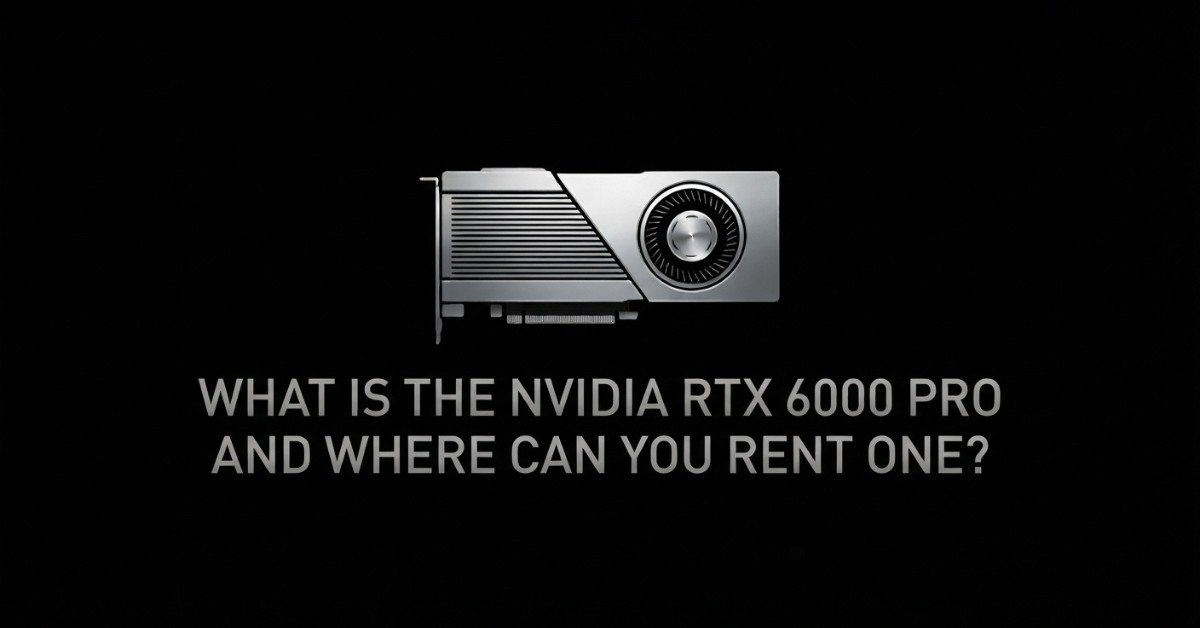


What Is the NVIDIA RTX 6000 Pro and Where Can You Rent One?
The NVIDIA RTX 6000 Pro has incredible flexibility for modern artificial intelligence and creative software. Data science teams need massive GPU memory to host large parameters without experiencing performance drops.
This guide explores core hardware features, cloud rental pricing, and major provider platforms. Read on to learn how you can access high-performance workstation compute on demand. We will help you evaluate hardware capabilities and secure cost-effective cloud GPU access for your AI and creative projects.
Key Specifications and Performance Capabilities
The NVIDIA RTX 6000 Pro pairs high memory capacity with an efficient power footprint to accelerate large AI models. The core performance capabilities and hardware features are highlighted below:
Feature Specification
NVIDIA RTX 6000 Pro Specs
Hardware Advantage
GPU Architecture
NVIDIA Blackwell Workstation Die
Next-gen Tensor Cores with FP4/FP8 support
GPU Memory
96 GB GDDR7 ECC
Holds large models without multi-GPU sharding
Memory Bandwidth
1.79 TB/sec
2x faster bandwidth than previous L40S cards
Host Interface
PCIe Gen5 x16
Plugs easily into standard enterprise servers
Max Power (TDP)
300W
High compute output with low power consumption
Video Accelerators
9th Gen NVENC / 6th Gen NVDEC
Hardware AV1 encoding and DLSS support
Cloud Rental Pricing and Cost Breakdown
Securing an NVIDIA RTX 6000 Pro rental offers high compute output at a fraction of the cost of dedicated data-centre accelerators. Rates vary depending on cloud platform management, storage, and instance reservation lengths.
Choosing a dynamic RTX 6000 Pro cloud GPU instance gives teams total operational elasticity. You can run intensive jobs for a few hours or reserve nodes for long-term production deployments.
Rental Tier
Average Hourly Rate
Primary Advantage
Community / Unmanaged Pod
$0.50 – $1.50 / hour
Lowest cost for quick developer testing
On-Demand Managed GPU
$1.80 – $3.00 / hour
Full stack included with guaranteed uptime
Multi-GPU Node Cluster
$3.50 – $8.00 / hour
Scalable throughput for distributed workloads
Monthly Reserved Plan
~$0.40 – $1.20 / hour eff.
Significant discounts for continuous usage
Ideal AI and Professional Workloads
The NVIDIA RTX 6000 Pro is designed for heavy-duty data processing, large model execution, and visual graphics pipelines:
- Large Model Inference: Hosts 30B models at FP16 and 70B models at 4-bit precision on a single PCIe GPU.
- LoRA & QLoRA Fine-Tuning: Trains custom AI adapters easily without splitting memory across complex networks.
- High-End 3D Rendering: Operating over PCIe, it easily manages giant LLM models and detailed 3D graphics while avoiding costly SXM hardware.
- Computer Vision Processing: It uses built-in AV1 encoders to run live, multi-stream video analytics without slowdowns.
Choose this card whenever high VRAM capacity and energy-efficient processing are top priorities for your pipeline.
Where to Rent an RTX 6000 Pro GPU Online
Accessing cloud infrastructure is seamless today. Specialised platforms like AITECH Cloud Network link developer teams directly with reliable, high-bandwidth compute servers.
Modern cloud providers offer various RTX 6000 Pro GPU rental setups. You can choose raw root-access instances or fully orchestrated container environments based on your project requirements.
How to Choose the Right Rental Provider
When selecting a GPU cloud platform for your deployments, keep these core criteria in mind:
- Memory and CPU Allocations: Verify that host RAM and vCPU specs match your GPU processing capabilities.
- PCIe Interconnect Speed: Look for Gen5 PCIe slots to eliminate slow host-to-card transfer rates.
- Transparent Pricing: Check for surprise costs tied to outbound data, attached storage, and extra bandwidth.
- Storage Performance: Use high-speed NVMe local drives so large datasets load into memory quickly.
Partnering with a provider that aligns with these technical standards ensures your systems maintain maximum uptime and deliver optimal compute performance
Conclusion
Renting NVIDIA RTX 6000 Pro instances delivers enterprise-class AI performance without heavy initial investments in hardware assets. Make sure to review multiple cloud options by evaluating cost flexibility, storage costs and rates, and connection reliability. A reliable cloud setup ensures your computing capacity scales smoothly on demand.
Need RTX 6000 Pro power without the upfront cost? Rent on-demand GPU compute from AITECH Cloud Network and accelerate your AI, rendering, and simulation workloads.
FAQs
1. What is the NVIDIA RTX 6000 Pro?
It is an enterprise workstation GPU featuring 96 GB of GDDR7 memory built on an advanced architecture for AI and heavy graphics.
2. What are the key specifications of the RTX 6000 Pro?
The card packs 96 GB of VRAM, 1.79 TB/s memory bandwidth, PCIe Gen5 support, and a low 300W power consumption profile.
3. What workloads is the RTX 6000 Pro suitable for?
It excels at LLM inference, LoRA fine-tuning, generative AI video production, 3D rendering, and computer vision tasks.
4. How much does it cost to rent an RTX 6000 Pro?
Rental rates generally range from $0.66 to $3.00 per hour depending on whether you select bare-metal or managed cloud services.
5. Where can businesses rent an RTX 6000 Pro GPU?
Businesses can deploy on-demand instances via specialised platforms like AITECH Cloud Network and major GPU cloud vendors.
6. What should you consider when choosing an RTX 6000 Pro rental provider?
Prioritise host CPU/RAM allocations, PCIe Gen5 bandwidth, transparent data egress costs, NVMe storage speed, and reliable SLAs.


344.svg)